Getting Started
Install Nexora Engine, run the setup wizard, and serve static HTML from your WordPress site in under five minutes.
View Nexora Engine product page →Thank you for choosing Nexora Engine. This guide walks you from a fresh WordPress install to your first static cache hit, no headless migration, no second server, and no theme changes required.
Server requirements
Nexora Engine runs on any host that runs WordPress. Before you install, confirm your environment meets these minimums:
WordPress
5.9 or higher (7.0 tested)
PHP
8.0+ (8.1 recommended)
Web server
Apache, Nginx, LiteSpeed, or IIS
Writable uploads
wp-content/uploads/ must be writable
WP_CACHE
Enabled automatically by the setup wizard
Loopback
Internal HTTP requests must be allowed
PHP limits
If demo import, diagnostics, or bulk capture fail, raise max_execution_time (300s), memory_limit (256M), and upload_max_filesize (32M) through your host.
Installing the plugin
Step 01
Download or install from WordPress
Download the latest ZIP from the Auralogics download center, or search “Nexora Engine” under Plugins → Add New if you distribute via WordPress.org.
Plugins → Add New → Upload Plugin → nexora-engine.zip → Activate
Step 02
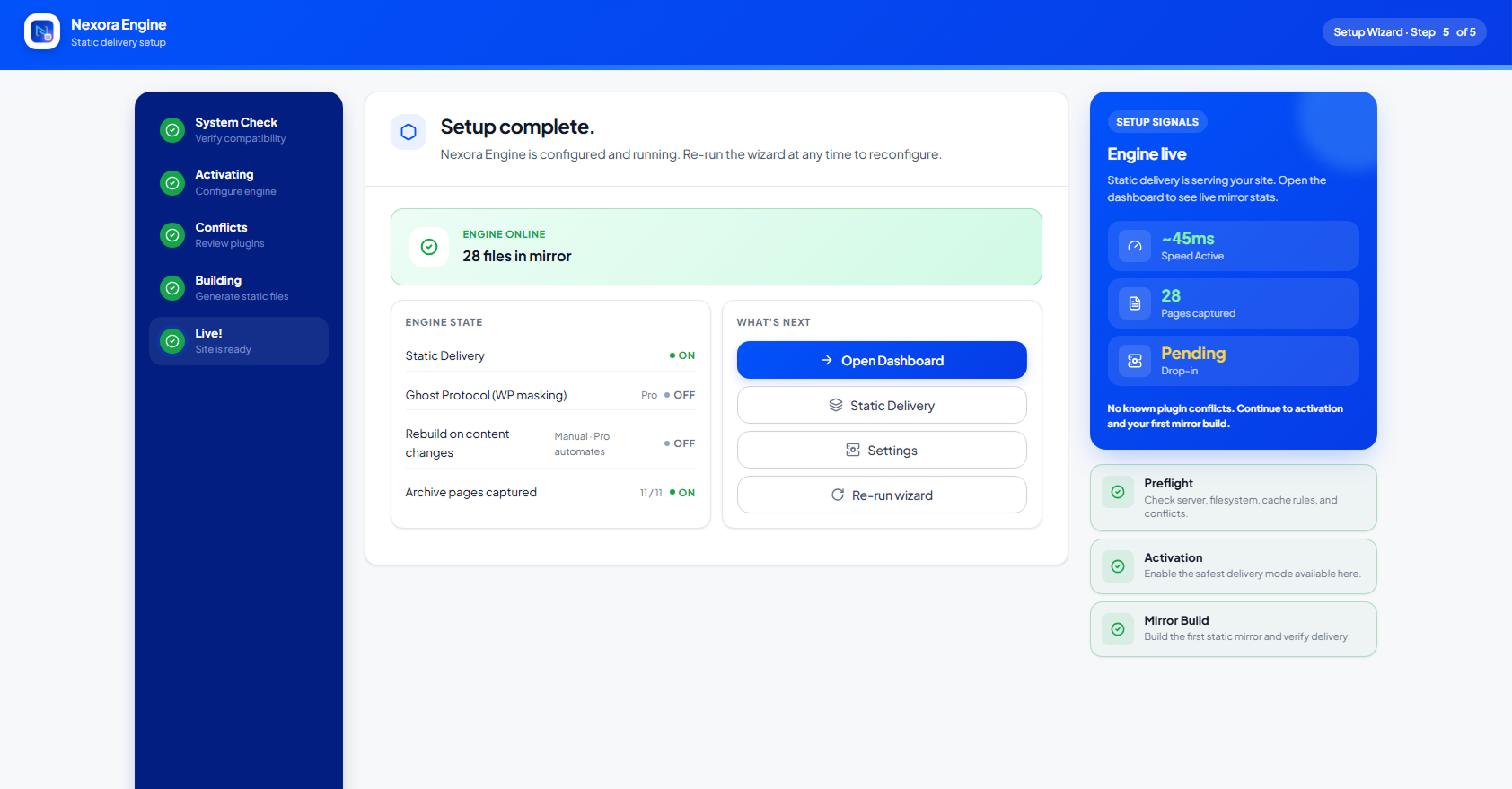
Run the setup wizard
On first activation the Setup Wizard launches automatically. It detects your server type, verifies loopback, and installs the advanced-cache.php drop-in.
Nexora Engine → Setup Wizard → Complete all steps
Step 03
Enable static generation
Toggle SSG in Build Control. Nexora captures authenticated renders via HMAC-signed loopback requests, no headless browser required.
Nexora Engine → Build Control → Enable SSG → Generate All Pages
Step 04
Verify delivery
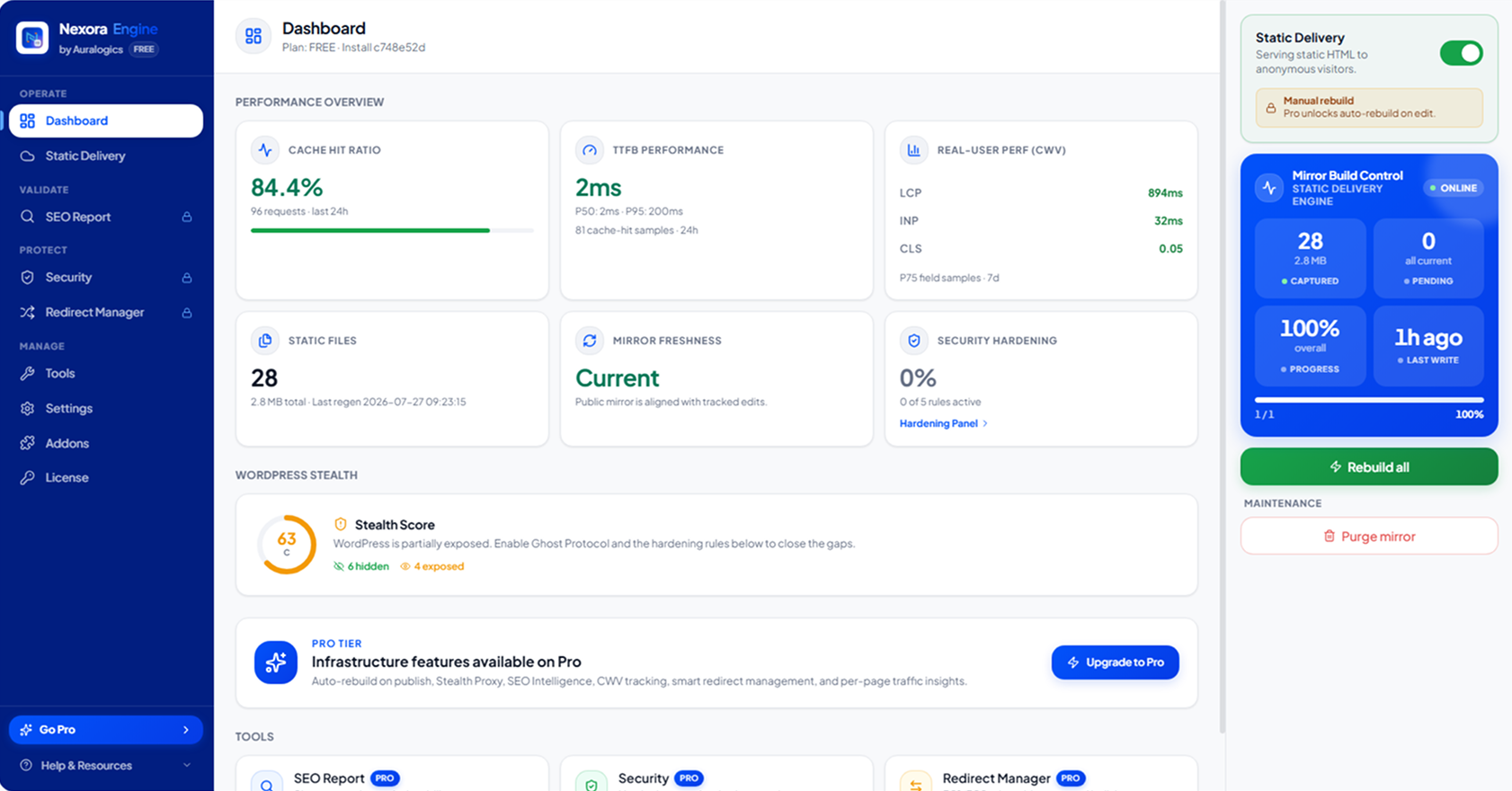
Run the built-in diagnostic and confirm anonymous requests hit the fast path. The dashboard shows cache hit ratio and TTFB from real traffic.
Nexora Engine → Tools → Run Diagnostic
Post-install checklist
- advanced-cache.php exists in wp-content/
- WP_CACHE is true in wp-config.php
- Diagnostic reports FAST PATH for anonymous probe
- At least one page appears in Build Control
- X-Nexora-Cache: HIT visible in browser DevTools after first anonymous visit
Need help?
Open a support ticket or watch the video tutorial library if any step fails. Most issues trace back to PHP limits or blocked loopback requests.