Support
Troubleshooting
Common installation issues, diagnostic output, and how to roll back safely.
View Nexora Engine product page →Running diagnostics
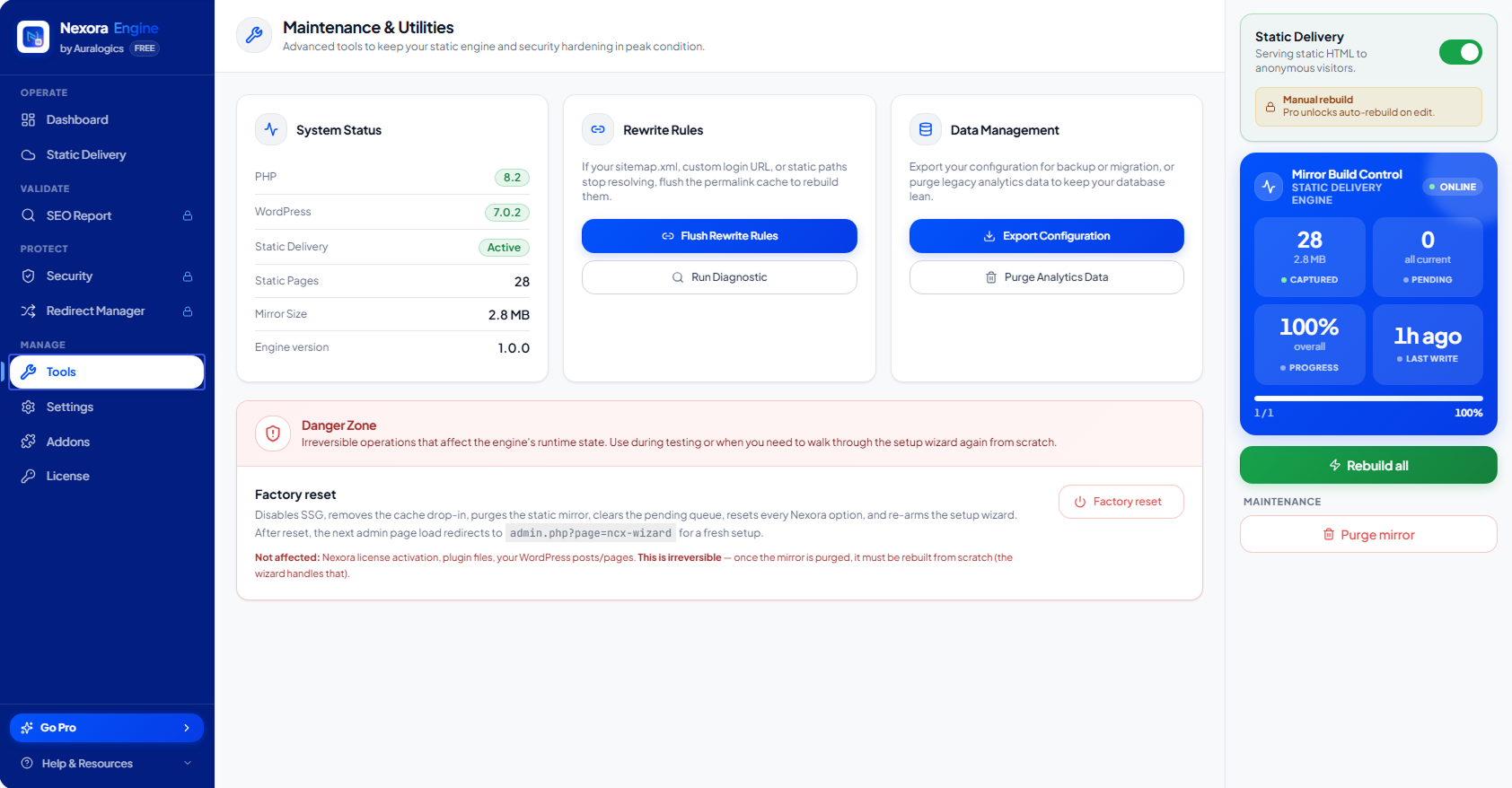
Nexora Engine → Tools → Run Diagnostic produces structured JSON describing drop-in status, loopback health, snapshot counts, and server compatibility.
Plugin conflicts
- Disable overlapping full-page cache plugins (WP Rocket, W3 Total Cache page cache) or configure Nexora as the primary HTML layer
- Ensure only one advanced-cache.php drop-in is active
- Exclude WooCommerce cart/checkout from SSG, Nexora does this automatically when session cookies are present
Rollback safety
Disabling Nexora from the admin removes the drop-in, restores WP_CACHE, and returns delivery to standard WordPress. No posts, themes, or database content are modified.