Operations
Queue health & diagnostics
Monitor background optimization, recover stale locks, and read the structured error log.
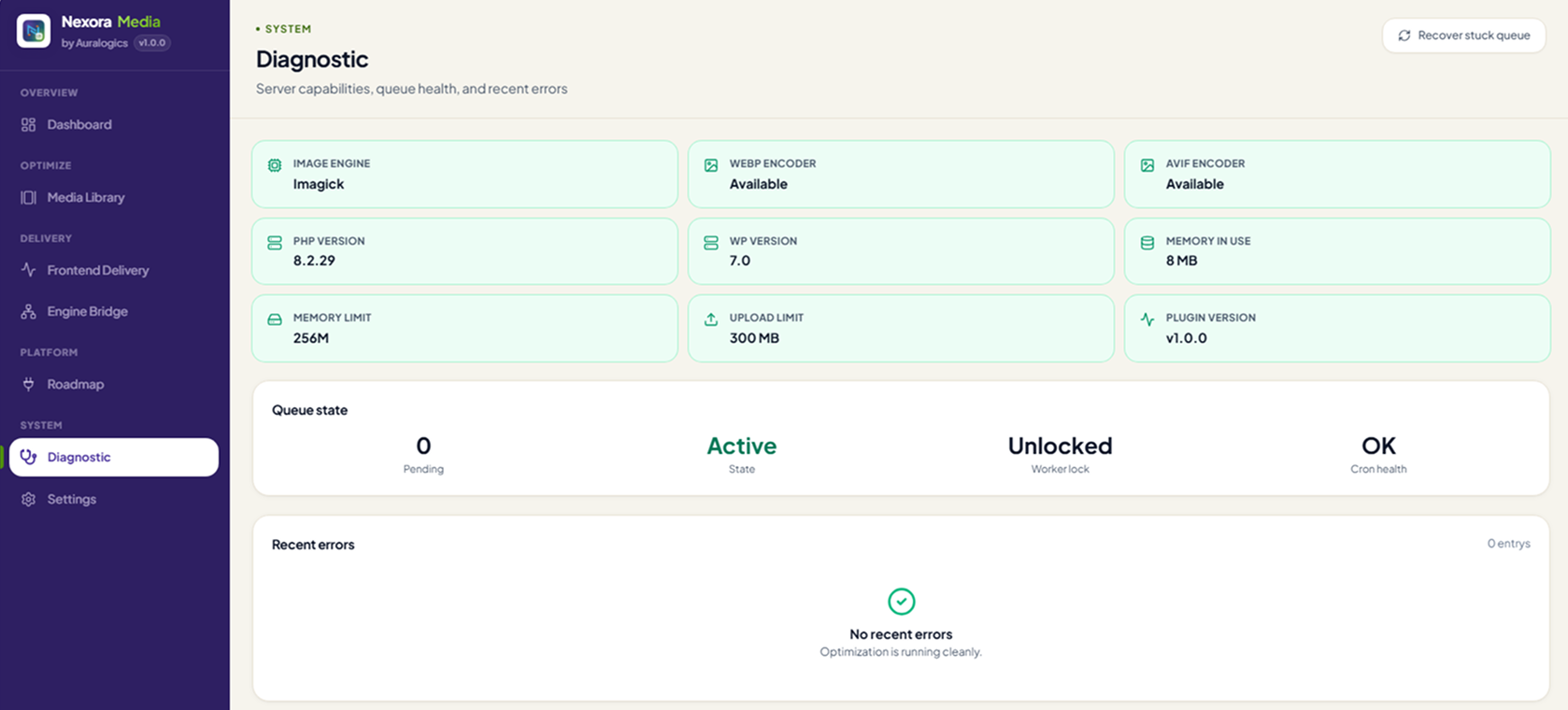
View Nexora Media product page →Heavy optimization runs in batched background workers with locking so uploads stay fast. The Queue Health panel surfaces stale locks, memory limits, and permission failures with one-click recovery actions.
Recovery actions
- Clear stale worker lock from Queue Health
- Retry failed items individually or in bulk
- Pause queue during large migrations, then resume
The diagnostic screen
When something looks off, the Diagnostic screen tells you why in plain terms: which image engine is available, whether the queue is healthy, and a structured log of any errors, so support conversations start with facts, not guesswork.